Download the app and sign up
Sign up with your phone number. The app asks you to confirm it with a code.
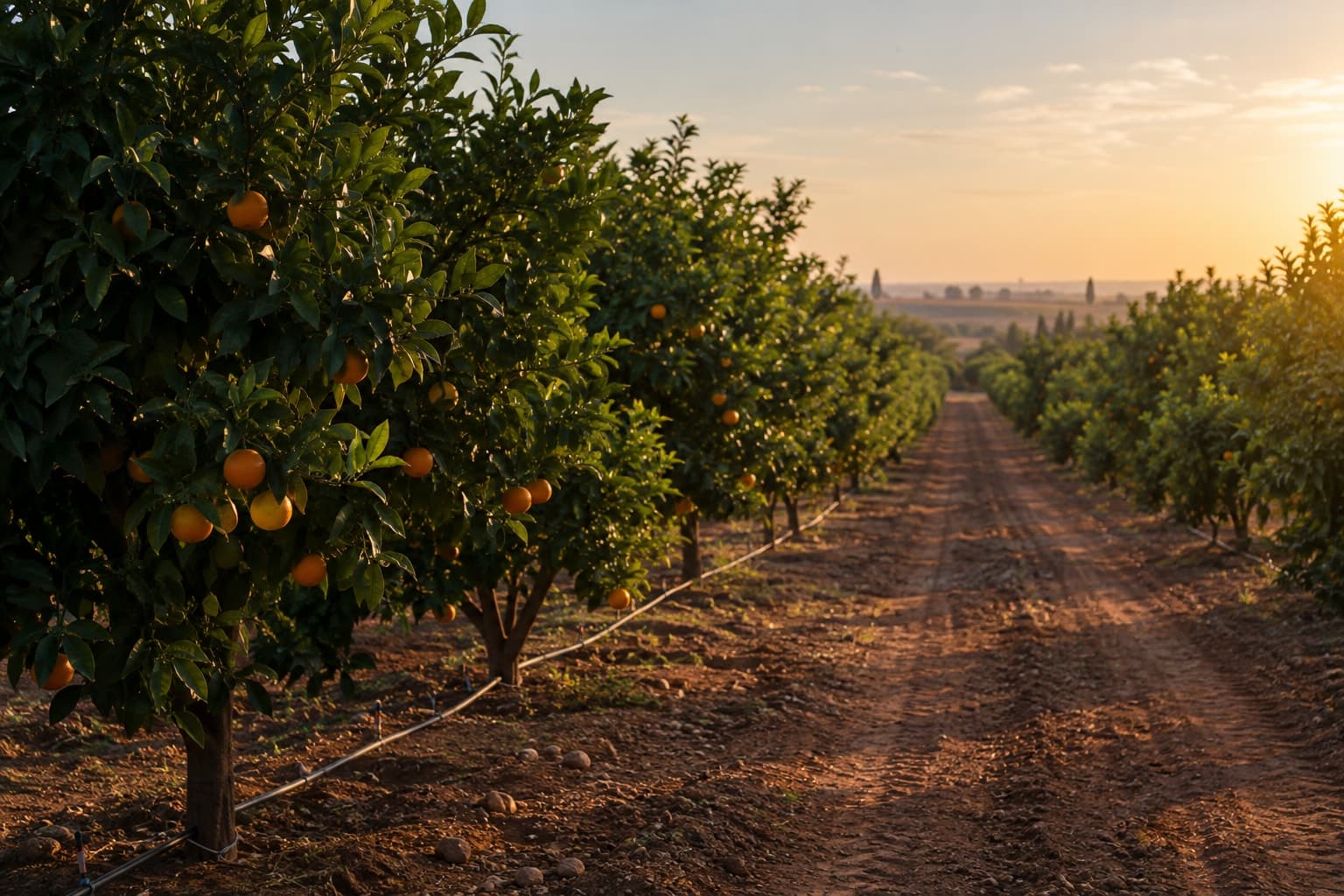
Open a plot, choose the day and see what your advisor planned: the irrigation dose, duration and volume, and the fertilization and foliar treatment products with their doses.
Your weekly program comes from your advisor.
The Cropstalk app is where fruit-tree farmers in Tunisia see their agricultural advisor's weekly program for each plot. Your advisor builds the program in Cropstalk, and you see it on your phone, in French or Arabic.
For each plot, the app shows the program your advisor built for the week. Choose a day to see:
Irrigation: the dose, the duration and the volume for your plot.
Fertilization: each product and its dose.
Foliar treatments: each product and its dose.
Your advisor sets the irrigation dose and duration. The app shows the matching volume for your plot. Cropstalk does not calculate irrigation today.
Sign up with your phone number. The app asks you to confirm it with a code.
Add each plot once: choose the crop, add a photo if you want, draw the plot on the map, then fill in the plot, crop and drip irrigation details.
When your advisor sends the week's program, open the plot in the app and choose the day. You can also send your advisor a stage update with a photo.
Each plot has its own card in the app, with its crop and variety. Open a card to see the plot's details and its programs.
Crop, variety, planting date, area, row and tree spacing, drip setup and water salinity, with the plot boundary on the map and its photo.
Choose the current stage of the plot, add a photo and send it. Your advisor sees the update on the same plot, with its date.
Your advisor works in a web dashboard. You use the mobile app. Both show the same plots.
Cropstalk does not make agronomic decisions and does not replace your advisor.
Are you an agricultural advisor? See Cropstalk for advisors.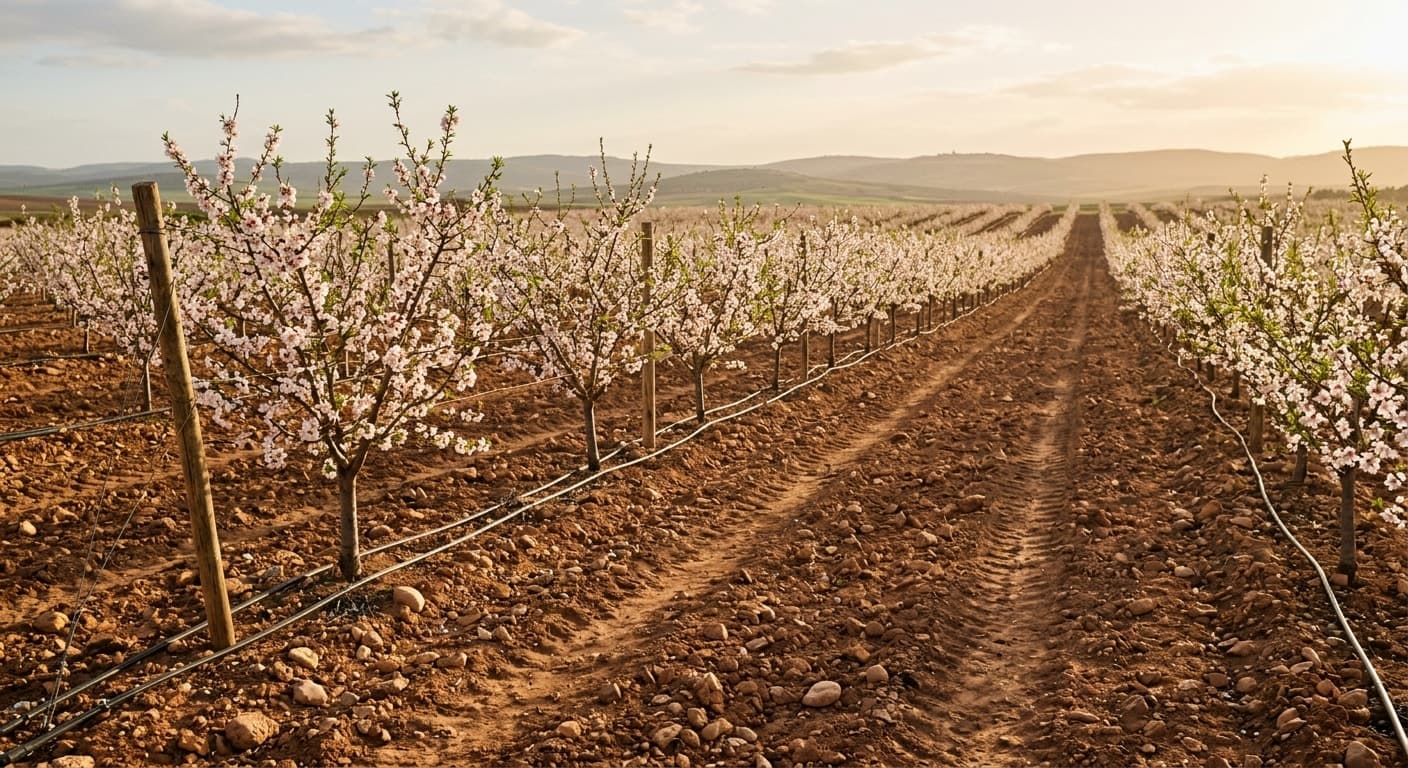
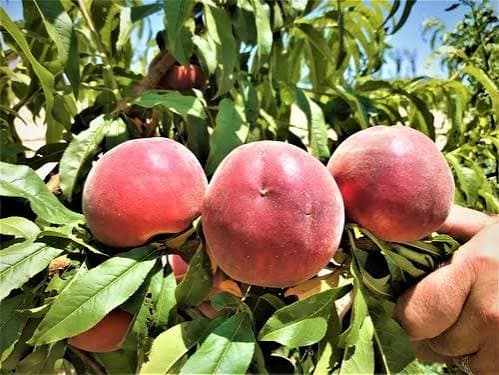
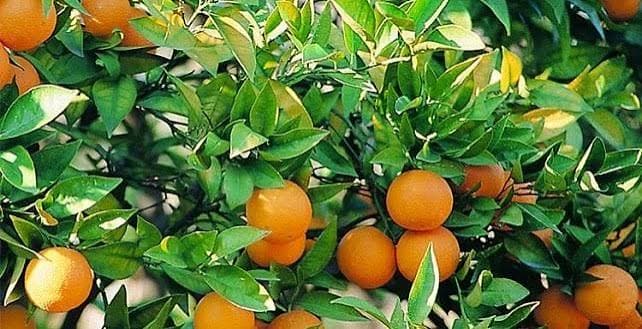
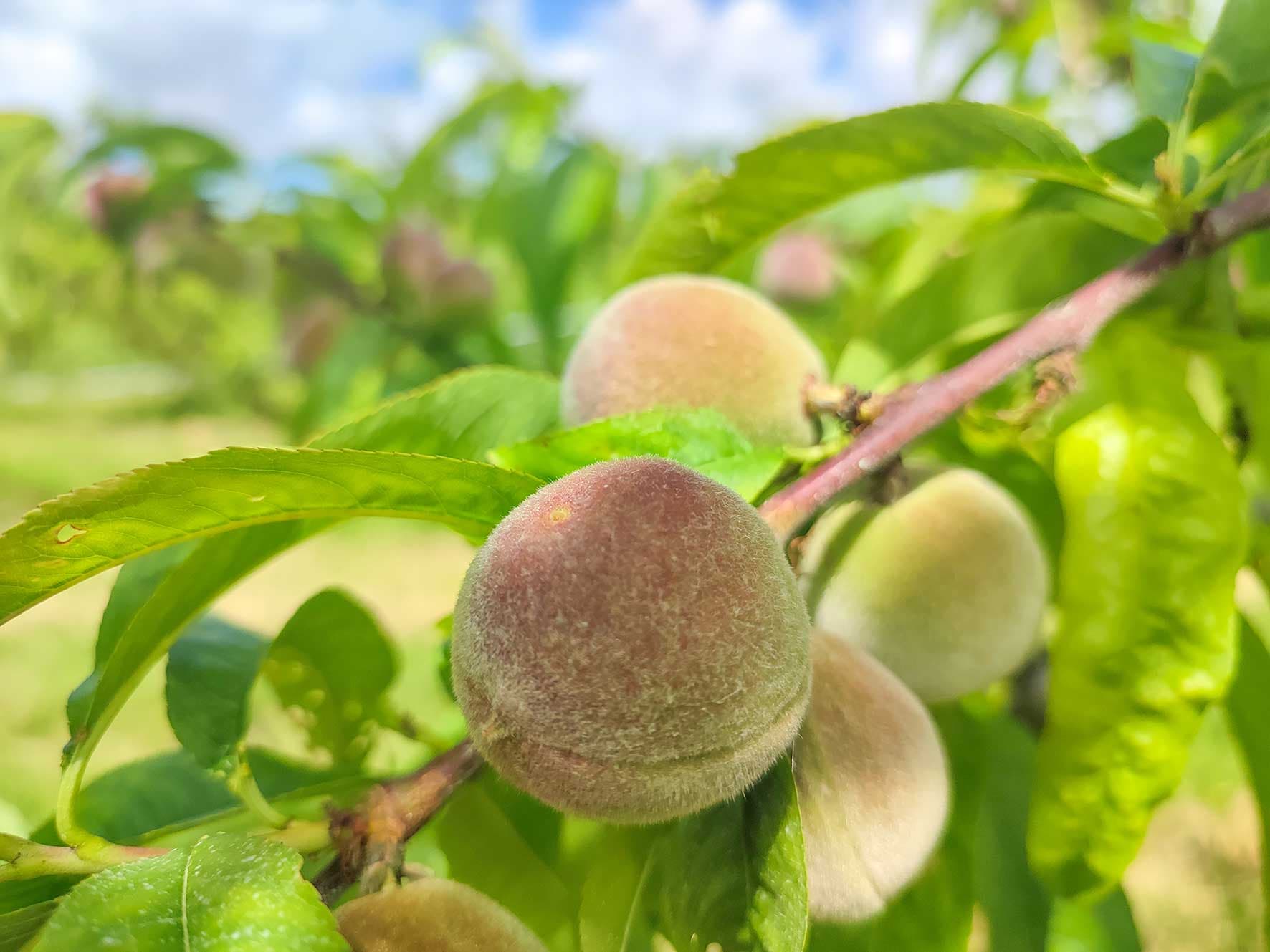
Fruit-tree farmers in Tunisia who work with an agricultural advisor, for example on citrus, stone fruit, olive or almond plots.
The Cropstalk app is where you see your agricultural advisor's weekly program for each of your plots, day by day. Your advisor builds the program in Cropstalk. You register your plots and send stage updates with photos.
Fruit-tree farmers in Tunisia who work with an agricultural advisor, for example on citrus, stone fruit, olive or almond plots.
Yes, for the weekly program. The program you see in the app is the one your advisor builds in Cropstalk.
Open the app, choose the plot, then choose the day. You see the irrigation dose, duration and volume, and the fertilization and foliar treatment products with their doses.
When your advisor has sent the week's program for your plot. Refresh the plot in the app to load it.
No. Today, your advisor sets the irrigation dose and duration. The app shows the matching volume for your plot.
Your advisor. Cropstalk does not make agronomic decisions. The program you see is the one your advisor built.
In the app, add a plot: choose the crop, add a photo if you want, draw the plot on the map, then fill in the plot, crop and drip irrigation details.
Yes. Each plot has its own card in the app, with its own programs.
Yes. When you send a stage update with a photo, your advisor sees it on the same plot, with its date.
The app works in French and Arabic. This website is in English, French and Tunisian Arabic.
Press the Download the app button on this page, then sign up with your phone number.
Cropstalk was founded by agronomists with field experience in fruit-tree advisory. The founding team brings more than 20 years of fruit-tree advisory experience.
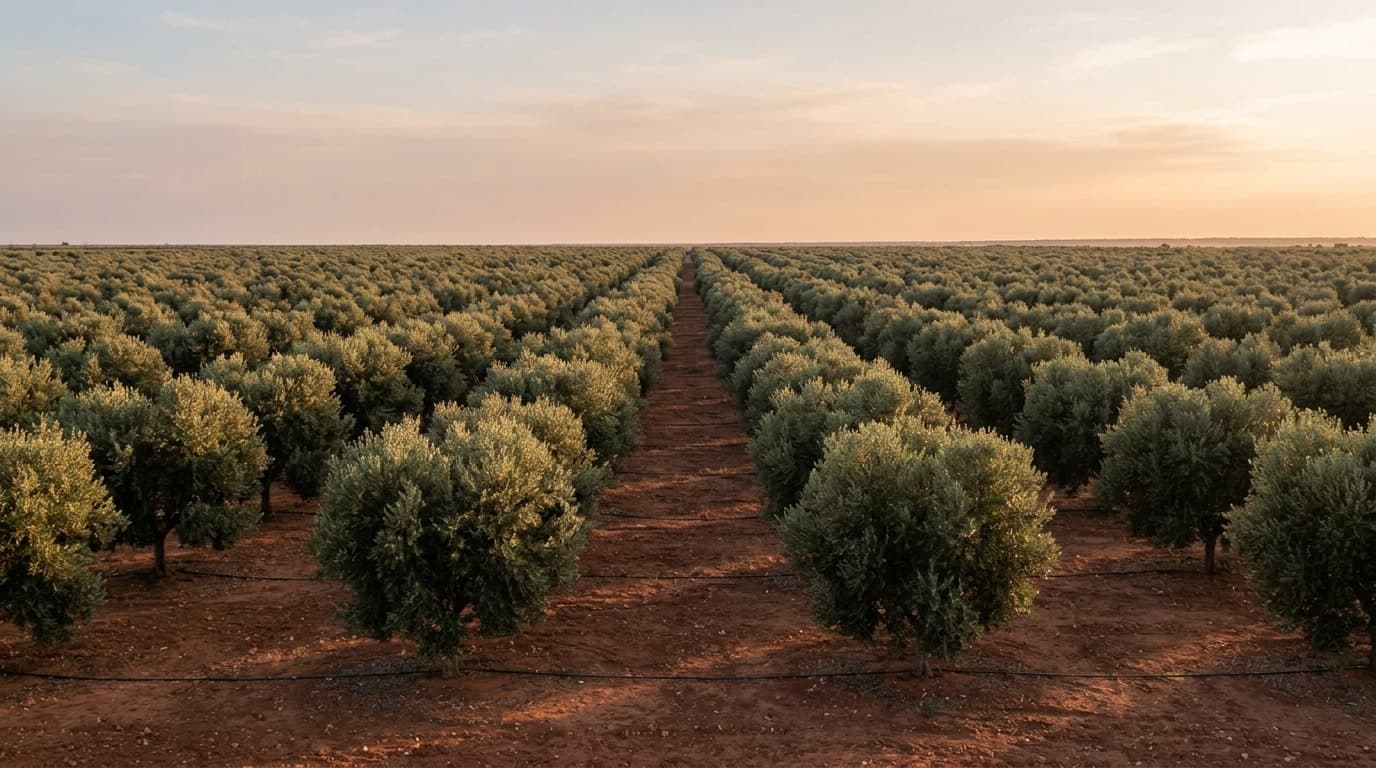
Download the Cropstalk app and register your plots.
Download the app